Home / Solutions / Workforce and shifts

Planning task

Workforce scheduling that meets demand and rules.

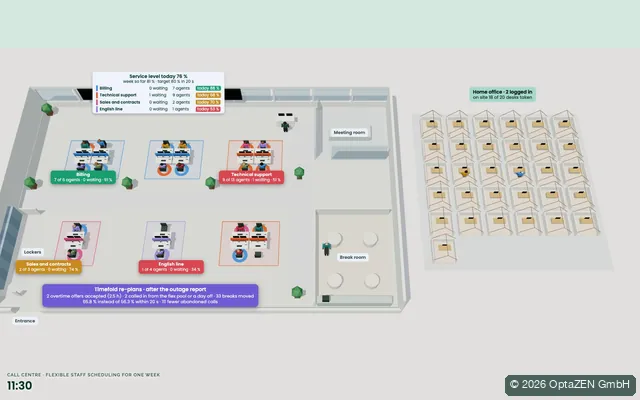
Workforce scheduling decides who works which shift, when and where. Optimized means: the plan covers demand in 15-minute steps, keeps working time law, contracts and skills, and shares wishes and unpopular shifts fairly.

Rules in the model

What the plan keeps, without anyone checking by hand.

DemandDemand curves in 15-minute steps, morning and evening peaks, minimum staffing.
Working timeMaximum hours, breaks, rest periods and consecutive days under working time law and collective agreements.
SkillsRoles, inductions, the share of qualified staff and who can work with whom.
ContractsFull time, part time and mini jobs with their target hours, leave and absences.
FairnessNight shifts, weekends and days off shared fairly, visible to everyone.

From practice

One project, as it actually went.

Project example

Workforce scheduling for childcare centres

Childcare Center Desktop, Australia: software for childcare centres

Task
Rosters in 15-minute steps instead of coarse shifts, with staff ratios, qualifications and short-notice absences.
Collaboration
Three months in two-week sprints, with the customer’s managing director and technical contact.
Result
A planning solution of its own, built into the customer’s existing platform.
Use case as PDF (2 pages)

Typical fields

  • Logistics centres and parcel services
  • Healthcare and care homes
  • Airports and passenger transport
  • Security services
  • Hotels and restaurants
  • Leisure parks, pools and climbing halls

Use cases

Seeing is believing.

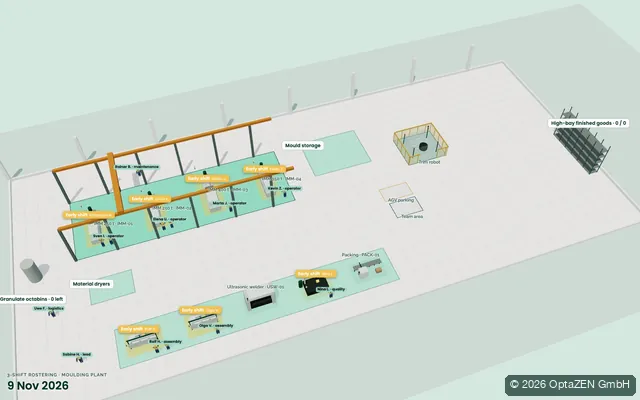
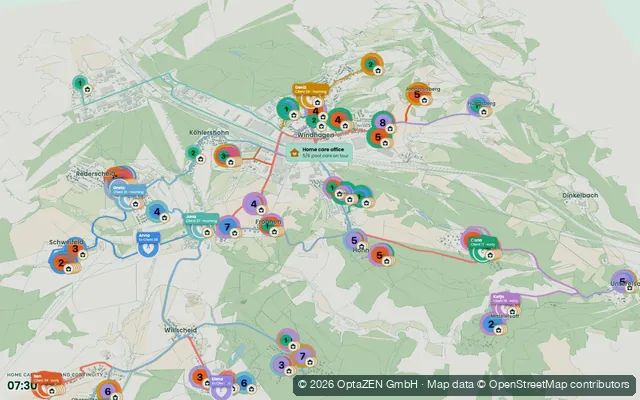
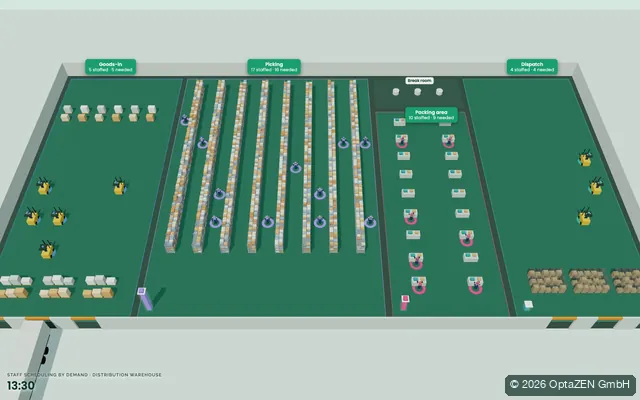
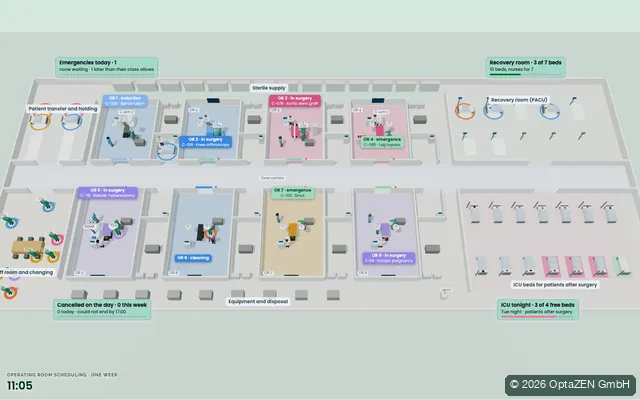
Every case plays in your browser: the plan in time-lapse, with KPIs and the comparison to the usual way of planning.

All use cases

Approach

From the first call to value in operation.

  1. Stage 1Clarify

    1. UnderstandGoals, terms, rules, data, bottlenecksEntry: Planning Snapshot, Assessment or Strategy
    2. AssessPotential, business case, feasibility, risks

    DecisionIs it worth it?

  2. Stage 2Build

    1. DesignPlanning model, rules, data, interfacesEntry: training or model review
    2. PilotReal scenarios, value proven before much is invested
    3. Roll outIntegration, training, go-live

    DecisionDoes the pilot deliver what it promised?

  3. Stage 3Run

    1. StabiliseAccompany the first real planning rounds, sharpen the rulesEntry: support after go-live
    2. ImproveWatch the KPIs, take in new requirements

    CycleWhen operations change, we adapt the rules and the plan.

Entry points and decisions in detail

Questions

Frequently asked questions

Does this replace our rostering software?

Not necessarily. The optimization can be built into your existing software, or it can propose rosters that your team checks and releases there.

What happens when someone calls in sick?

The plan is recalculated from that moment. Changes for everyone else are kept as small as possible.

Are works agreements taken into account?

Yes. Works agreements and working time rules are hard rules in the model. A plan that breaks them is never issued.

The first step

Where does your planning lose time, capacity or money?

In a free first call we work out which next step is really worth it.